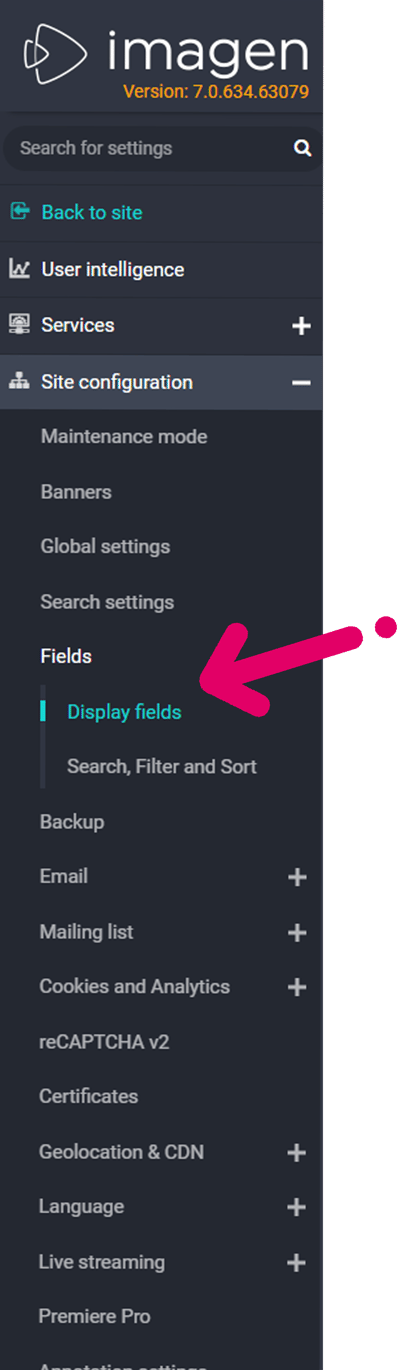
Display Fields 📄 The record template will display on all records and can be customised t display specific fields Can't see the guide below? Open it in a new tab ↗ (may not work when viewing this page in SharePoint)If SharePoint blocks the link, copy this address and paste it into a new browser tab:https://scribehow.com/embed/Add_fields_to_your_record_template__o9swypgzSb2qxrWHnkqN-A?as=scrollable&removeLogo=true Where can I find this? Find this page at: https://[your_imagen_domain]/getFields/index or
![Favicon.png]](../assets/Favicon-9c0fc0b5ec.png)