Email π
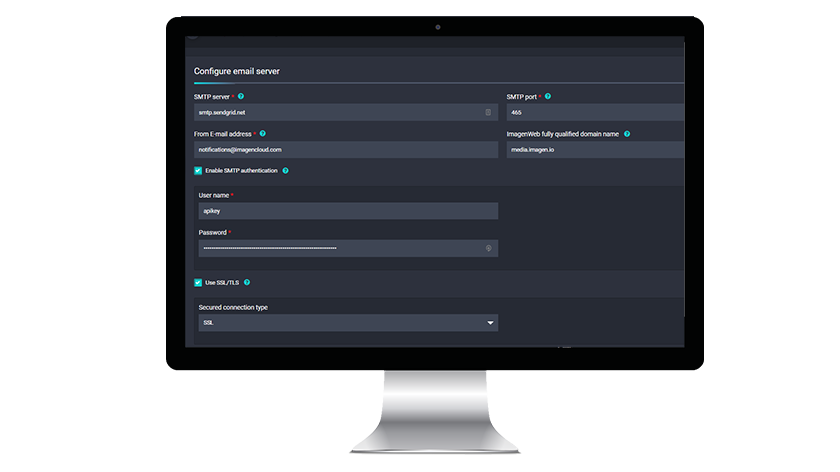
Configure your email server and create email templates to send users

IntroductionΒ
The email section of the admin panel allows you to configure your email server configuration and create, preview and send template preview emails to an address of your choosing. For example, the welcome email can be designed and previewed from here. Either edit in rich text or edit like a pro in HTML. If language translations have been licensed, they can be configured here.Β
Server Settings
Can't see the guide below? Open it in a new tab ↗ (may not work when viewing this page in SharePoint)
If SharePoint blocks the link, copy this address and paste it into a new browser tab:
https://scribehow.com/embed/Configure_your_email_server__6gSX3EEcQG-x3UROr_2UDg?removeLogo=true&as=scrollable
Templates
Can't see the guide below? Open it in a new tab ↗ (may not work when viewing this page in SharePoint)
If SharePoint blocks the link, copy this address and paste it into a new browser tab:
https://scribehow.com/embed/Email_Templates__djjrA_ZpRnmfVCUNshTHDw?as=scrollable&removeLogo=true
Β