![Favicon.png]](../assets/Favicon-9c0fc0b5ec.png)
Add fields to your record template
Introduction
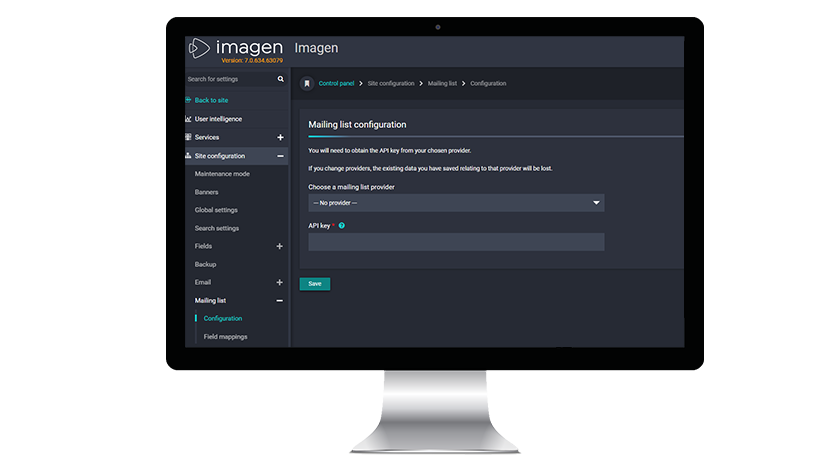
Send batch emails by adding your mailing list provider here. You will need an API key from your chosen provider. Please check your provider's support pages for details on obtaining your key.
Add your provider to the mailing list
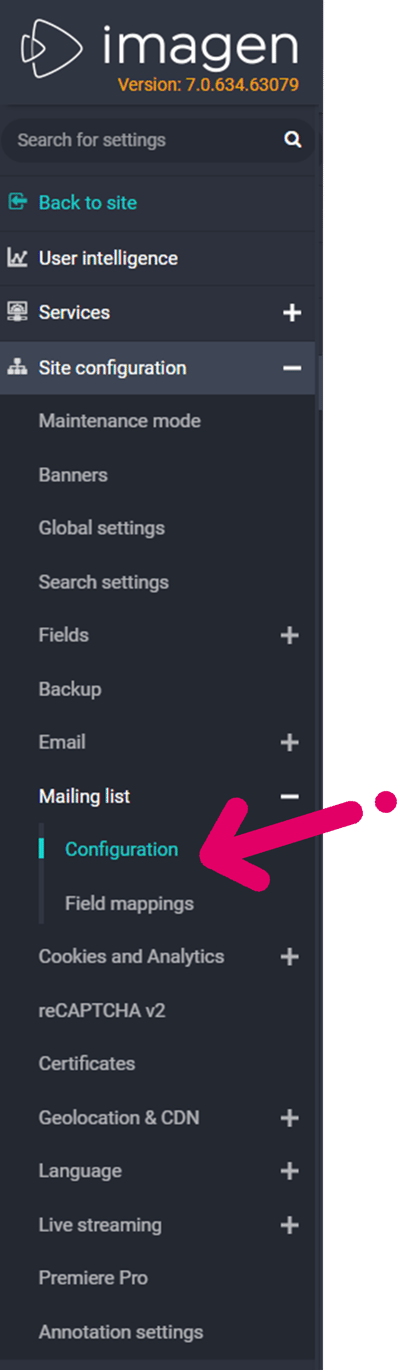
Where can I find this?
Find this page at: https://[your_imagen_domain]/mailinglistadminform/config or